
Hybryd Systems

Control4 Remotes and App Options, Explained

2026-09-03

One of the first questions homeowners ask before a Control4 install is simple: how do I actually control this thing day to day? The answer is that Control4 gives you several ways, and most households end up using a mix of all of them without thinking much about it.

The Control4 app

The app lives on your phone or tablet and covers everything the system does: lighting scenes, climate, cameras, locks, audio, and video, all in one place. It is the most flexible option and the one most people reach for when they are not near a wall keypad, checking the house from work, or adjusting something from bed. Every household member can have their own login, so the app reflects what each person actually uses rather than showing every function to everyone.

Wall-mounted touchscreens

A touchscreen mounted near a main entry or in a kitchen gives the household a fixed point to control the house without pulling out a phone. These are especially useful for scenes that get used constantly, arming the alarm on the way out, or checking who is at the door, and for household members who prefer a physical screen to a phone app. Touchscreens run the same Control4 interface as the app, so nothing about learning one and then using the other feels different.

Keypads

Keypads are the most old-fashioned in feel and, for a lot of people, the most useful in practice. They replace a bank of light switches with a small number of engraved buttons, Entertain, Movie, Goodnight, that trigger a full scene instantly, no phone, no unlocking a screen, just a button press. Keypads are where Control4 stops feeling like an app and starts feeling like a house that just works. We place them where switches used to be, so the muscle memory of walking into a room and hitting a button on the wall does not change, even though what that button does gets far more capable.

The Control4 remote

For AV specifically, the dedicated Control4 remote replaces the stack of remotes that used to sit on a coffee table, one for the TV, one for the receiver, one for the streaming box, one for the cable box. A single remote controls all of it, switches sources with one button, and can be programmed so the whole family can operate the home theater or living room TV without a tutorial. This is often the single most appreciated piece of a Control4 install, because it solves a problem almost every household has lived with for years.

Voice control

Control4 also integrates with common voice assistants, so lighting, climate, and some AV functions can be controlled by voice where a household prefers that. Voice tends to work best for simple, discrete requests, turning on a light, adjusting the temperature, rather than complex sequences, which is where scenes and keypads still do the heavier lifting.

Do I have to choose just one?

No, and almost nobody does. A typical household ends up using keypads for the scenes they trigger constantly, the app for anything remote or detailed, a touchscreen near the entry for quick checks, and the dedicated remote for the TV room. Part of our design consultation is figuring out which of these your household will actually reach for, room by room, so the system gets programmed around real habits rather than a generic template.

Frequently Asked Questions

Do all household members need to use the app?

No. Keypads and touchscreens cover most day-to-day use without anyone needing to open an app, which matters for household members, including kids and guests, who would rather press a button than find their phone.

Can I control the house if I do not have my phone with me?

Yes. Keypads and wall touchscreens control the full system without a phone, which is exactly why most homes end up with a mix of control methods rather than relying on the app alone.

Is the Control4 remote only for the home theater?

It is most associated with home theater and living room AV, but it can be programmed to reach lighting and other functions too, depending on how a household wants to use it.

Related Services
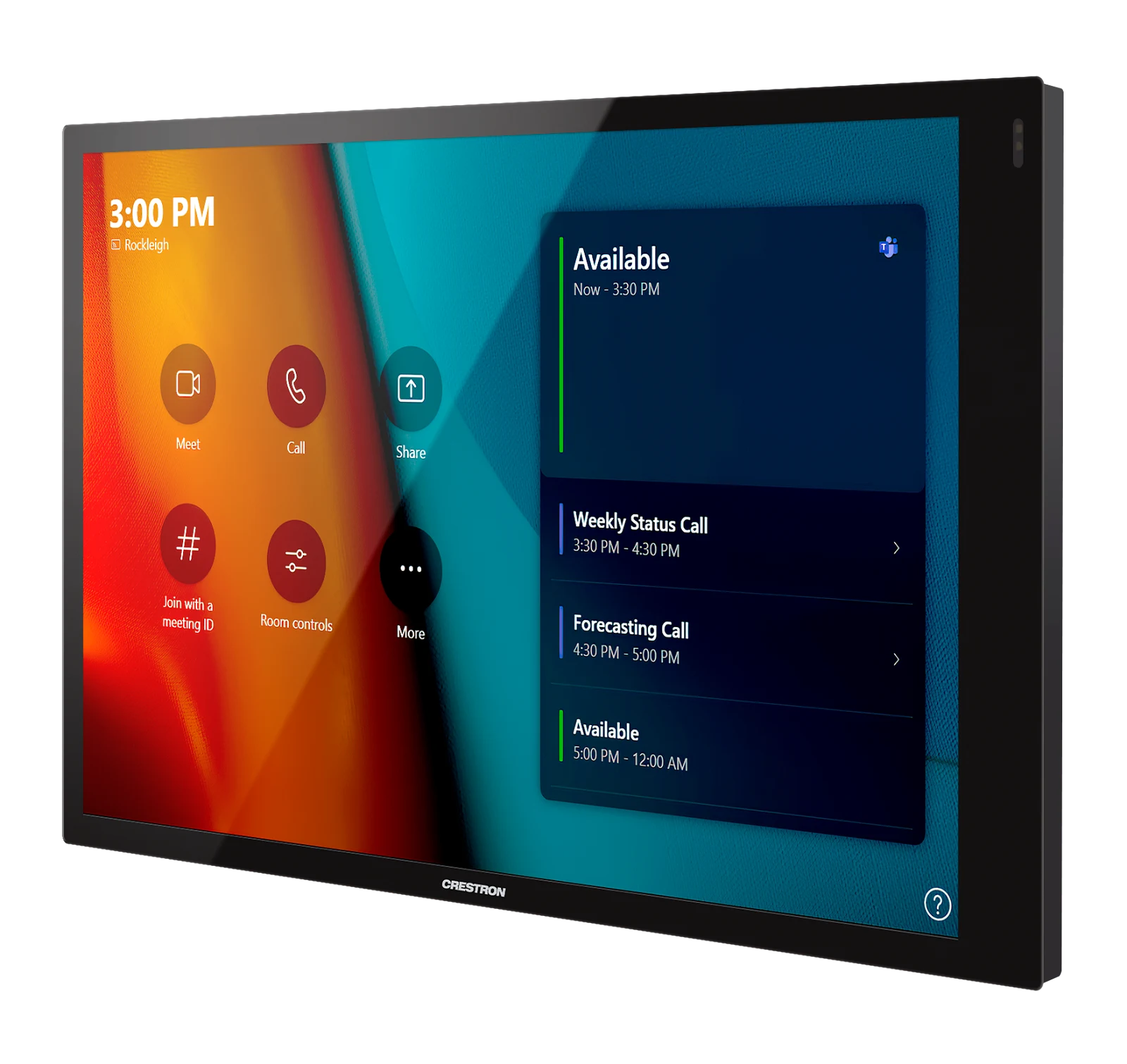
Crestron touch panel

Book a free consultation